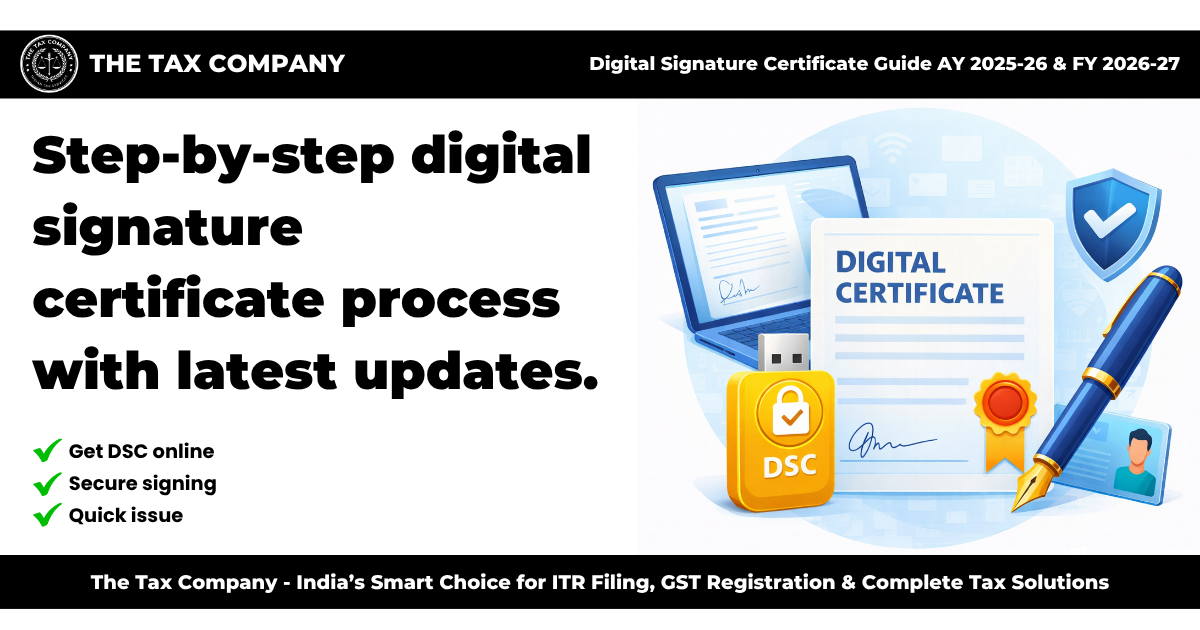
Digital Signature Certificate (DSC) Guide AY 2025-26 & FY 2026-27
Introduction
With the increasing adoption of digital processes, secure authentication has become essential for online transactions and filings. A Digital Signature Certificate (DSC) enables individuals and businesses to sign documents electronically with authenticity and security.
For Assessment Year (AY) 2025-26 and Financial Year (FY) 2026-27, DSC is widely used for filing Income Tax Returns, GST returns, ROC filings, and other online compliance activities.
This guide provides a complete overview of Digital Signature Certificates.
What is a Digital Signature Certificate (DSC)?
A Digital Signature Certificate (DSC) is an electronic form of a signature used to authenticate digital documents.
It ensures the identity of the signer and protects the integrity of the data.
Types of Digital Signature Certificates
- Class 3 DSC: Used for e-filing, MCA filings, GST, and tendering
- Sign DSC: For signing documents
- Encrypt DSC: For secure data encryption
Who Needs a DSC?
A DSC is required for:
- Company directors
- Professionals (CA, CS, lawyers)
- Businesses filing GST returns
- Individuals filing certain tax returns
- Entities participating in e-tenders
Uses of DSC
- Income Tax Return filing
- GST registration and return filing
- ROC filings with MCA
- Signing electronic documents
- Participating in e-procurement and tenders
Benefits of Digital Signature Certificate
- Ensures data security and authenticity
- Saves time and reduces paperwork
- Legally valid electronic signature
- Enables online compliance
- Prevents fraud and tampering
Documents Required for DSC Application
The following documents are generally required:
- PAN card
- Aadhaar card
- Address proof
- Passport-sized photograph
- Mobile number and email ID
Step-by-Step DSC Application Process
Step 1: Choose Certifying Authority
- Select authorized DSC provider
Step 2: Fill Application Form
- Enter applicant details
Step 3: Submit Documents
- Upload identity and address proof
Step 4: Complete Verification
- Verify via OTP or video verification
Step 5: Payment of Fees
- Pay applicable charges
Step 6: DSC Issuance
- Receive DSC in USB token or digital format
Validity of DSC
- Generally valid for 1 to 3 years
- Renewal required after expiry
Fees for DSC
- Varies based on type and validity
- Includes certificate and token charges
Common Mistakes to Avoid
- Providing incorrect details
- Using expired DSC
- Not renewing on time
- Sharing DSC credentials
Tips for Safe Usage
- Keep DSC token secure
- Do not share passwords
- Renew DSC before expiry
- Use only authorized providers
Role of Professional Assistance
Professional assistance can help:
- Choose the right DSC type
- Complete application correctly
- Ensure quick issuance
- Provide support for usage and renewal
Conclusion
Digital Signature Certificate is an essential tool for secure and efficient online transactions and compliance. It simplifies digital processes while ensuring authenticity and legal validity.
For AY 2025-26 and FY 2026-27, individuals and businesses should obtain and maintain a valid DSC for smooth digital operations.
Need Help with Digital Signature Certificate?
The Tax Company (TTC) provides expert assistance in DSC application and renewal. Our team ensures quick processing and secure handling.
Contact us today for professional support.